Visualizations
Annotate your own books
Tools to create bracket overlays for any text are in development. Get notified when they launch.
About This Project
While serving in the Australia Perth Mission (1997–99), I developed a method of annotating scripture by writing short chapter summaries on lined paper then drawing bracket lines to group chapters by theme — marking where a narrative arc began and ended, where the same locations appeared, which chapters shared an author, and so on. The physical brackets made it easy to see structure at a glance without losing your place in the text.
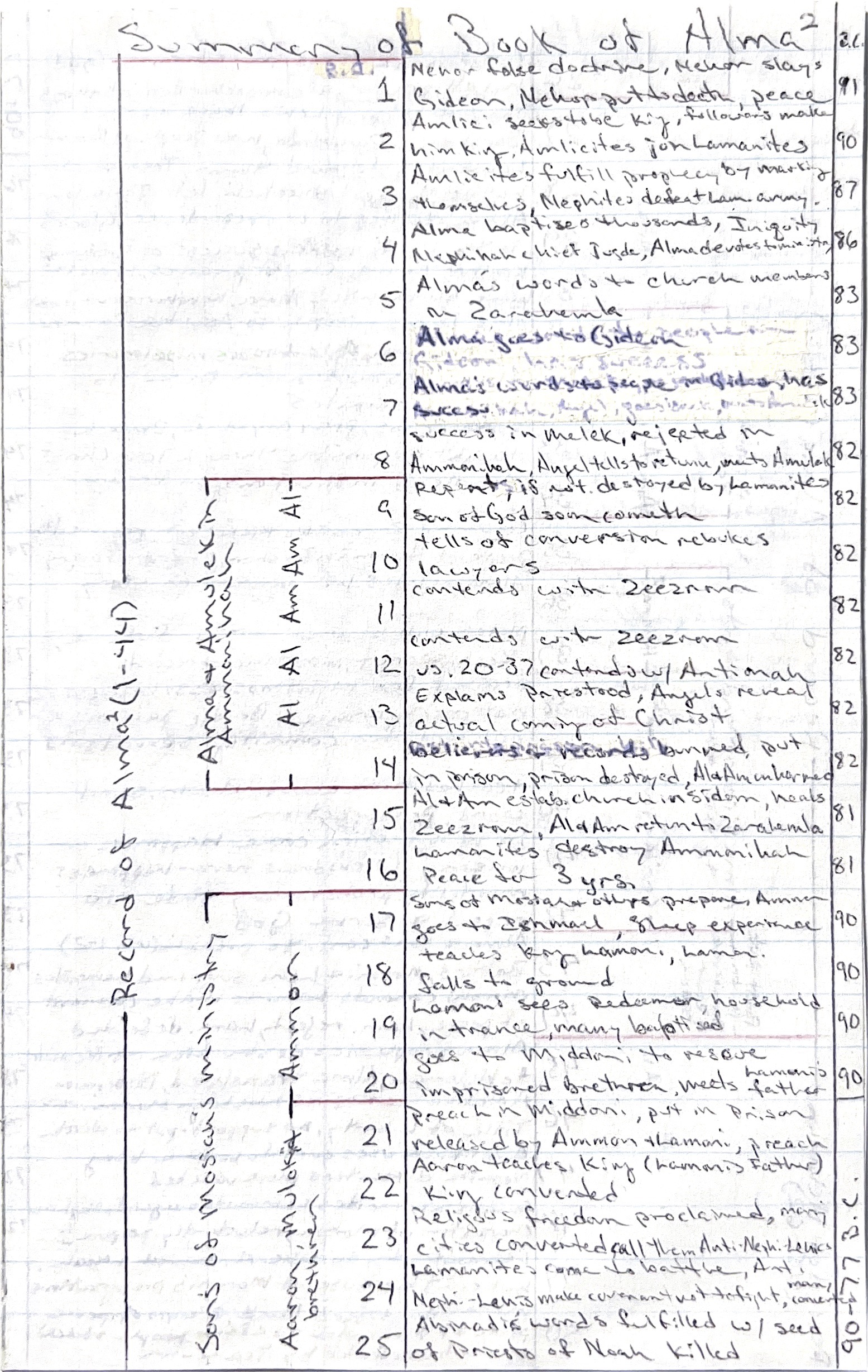
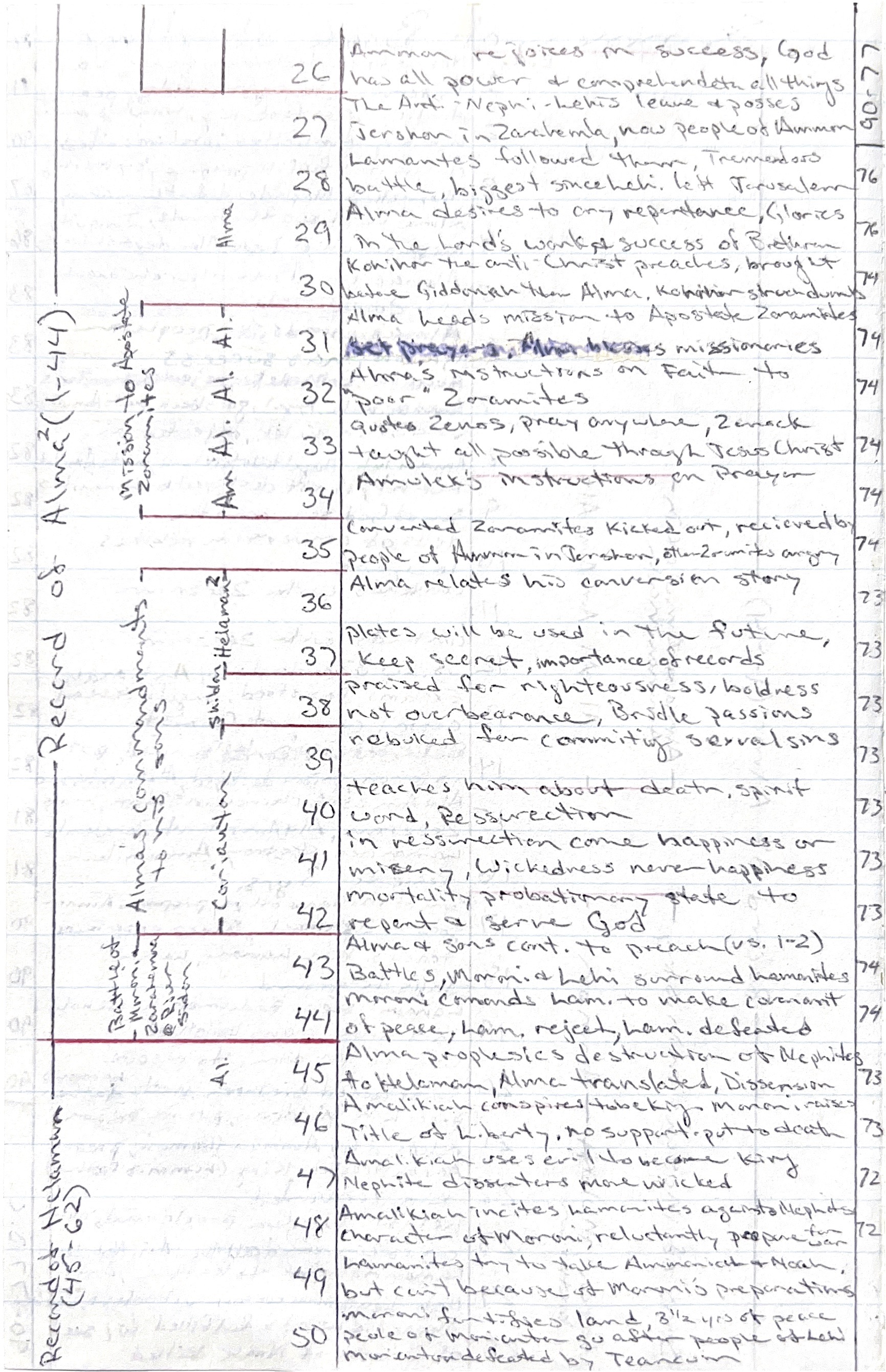
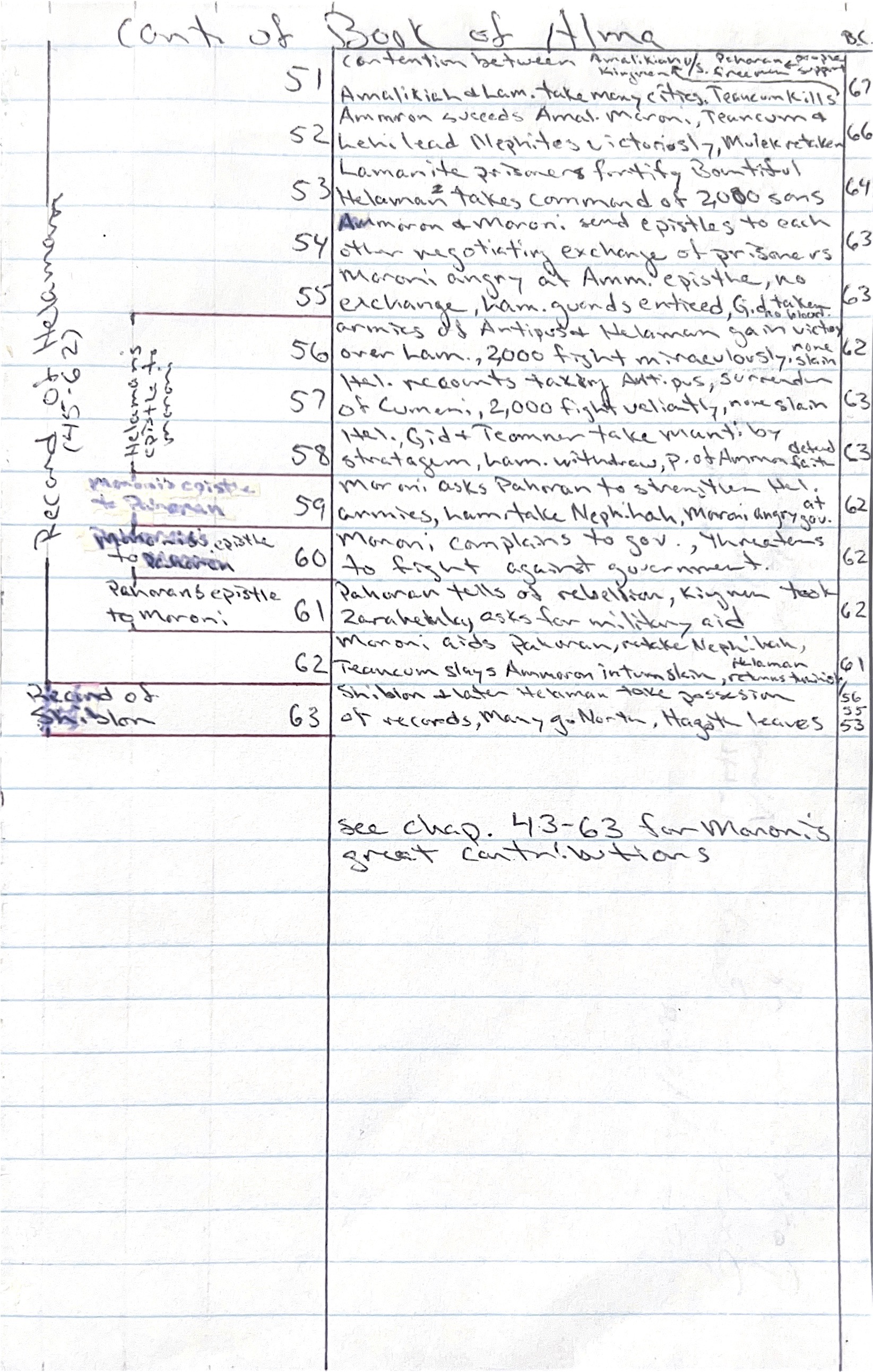
Original bracket annotations from the Book of Alma, made during the Australia Perth Mission (1997–99)
I always wanted to digitize that idea. Book Brackets is that attempt: an interactive visualization that draws bracket overlays on chapter lists, letting you switch between different ways of grouping the same text. The method started with scripture but works for any book with chapters — novels, histories, technical texts, anything with structure worth seeing.
How it works
- Each visualization shows a numbered chapter list with descriptive summaries
- Topic buttons draw bracket overlays grouping chapters by theme, location, author, or chronology
- Overview visualizations let you navigate into individual books
- Chapter numbers link directly to the full text where available